
Image to Video
No Content Restrictions
Free Image to Video AI - Turn Photos into Video Online
Upload a single photo or a full album and watch still frames gain motion, depth and rhythm. Venzia's image to video AI turns portraits, product shots, and travel memories into clips you can post without opening a timeline editor or booking a shoot.
What is Venzia's Image to Video?
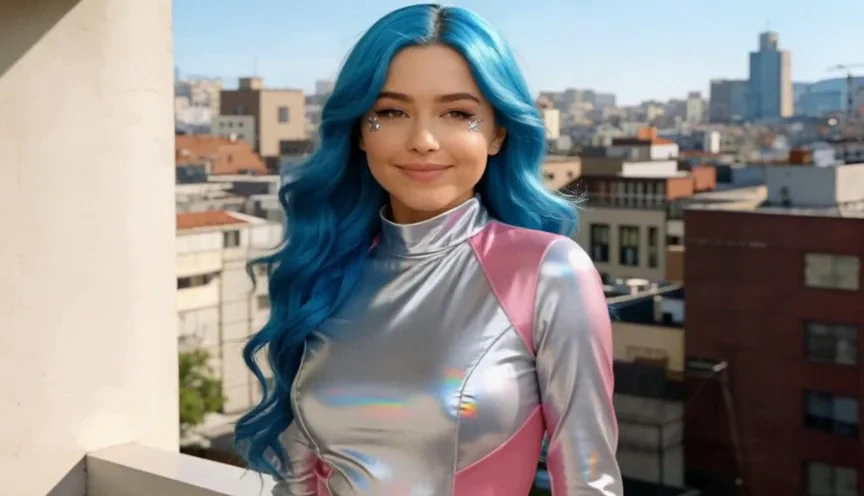
Venzia's image to video is a photo-first AI workspace that breathes movement into still images from your browser. Upload JPG, PNG, WebP, or a short batch of pictures and the engine reads composition, subject, and lighting before it plans camera motion and transitions, so you can animate image to video AI results that feel intentional rather than random zooms. Marketers use it as an AI video generator from image for ads and catalogs; families use it to make video from photos for celebrations; creators rely on it when they need to convert picture to video for Reels, Shorts, and client decks. As a free image to video AI option online, Venzia lets you preview drafts, add optional music, and export MP4 without a local install on eligible plans.
How Does Venzia's Image to Video Work?
Step 1: Upload Your Photos or Album
Drag in one portrait, a product packshot, or multiple files from a folder. The image to video converter accepts common formats including JPG and WebP, so you can start photo to video online without converting files first.
Step 2: Pick Motion Style and Optional Music
Choose pan, parallax, Ken Burns, or subtle animation presets that match your story. Venzia's image to video animation AI maps motion to each frame, and you can layer a licensed track when you want to make a video with pictures and music.
Step 3: Preview and Export MP4
Review the draft, adjust duration or order, then download a share-ready file. Export paths support images to mp4 and photo to mp4 workflows for social, email, and presentation use.
What You Can Do with Venzia's Image to Video?
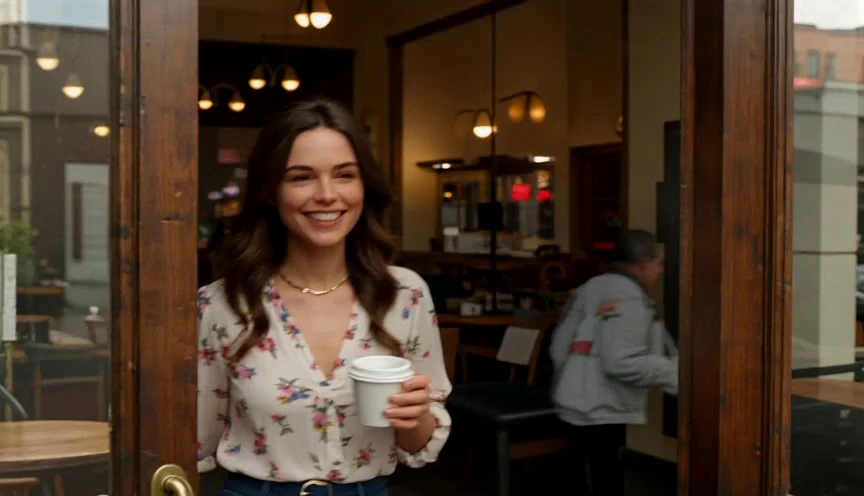
Turn Product Photos into Scroll-Stopping Ads
Drop hero packshots and lifestyle stills into Venzia's photo to video AI pipeline and receive vertical cuts with motion that highlights texture, color, and offer lines without a studio day. E-commerce teams use this AI photo to video flow to test three to five ad variants from the same image set and read click-through before scaling budget on paid social. The image to video AI generator keeps product framing stable while adding gentle camera drift viewers associate with premium brands. When a SKU photo changes, regenerate in minutes instead of reshooting every seasonal banner.
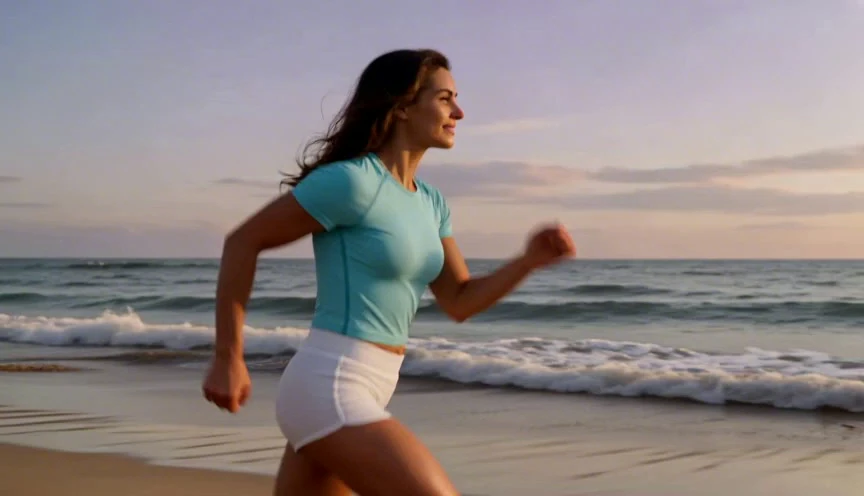
Build Slideshows with Pictures and Music
Select wedding albums, reunion folders, or milestone galleries and let Venzia sequence frames with transitions timed to your soundtrack. Creating a video with pictures and music used to mean hours in desktop editors; here you can make a picture video with music from the browser and share a link the same evening. Families turning photos into video for anniversaries and send-offs get emotional pacing without learning keyframes or export codecs. Optional title cards and duration controls help you make a video out of photos that feels personal, not template-heavy.
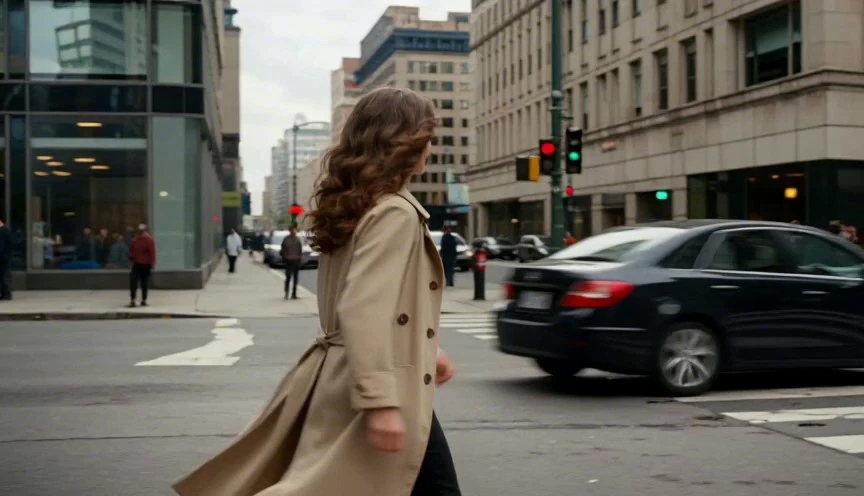
Convert JPG and WebP Files to MP4 Clips
When stakeholders need motion assets but only stills exist, Venzia handles jpg to video and webp to mp4 conversion in one step instead of manual frame assembly. Designers drop exports from Figma or Lightroom into the picture to video converter and receive MP4 previews suitable for prototypes, pitch decks, and internal reviews. The pic to mp4 path is especially handy for lightweight web assets that must play inline without heavy GIF files. Teams that once emailed zip folders of images now send a single clip that communicates layout and mood faster.
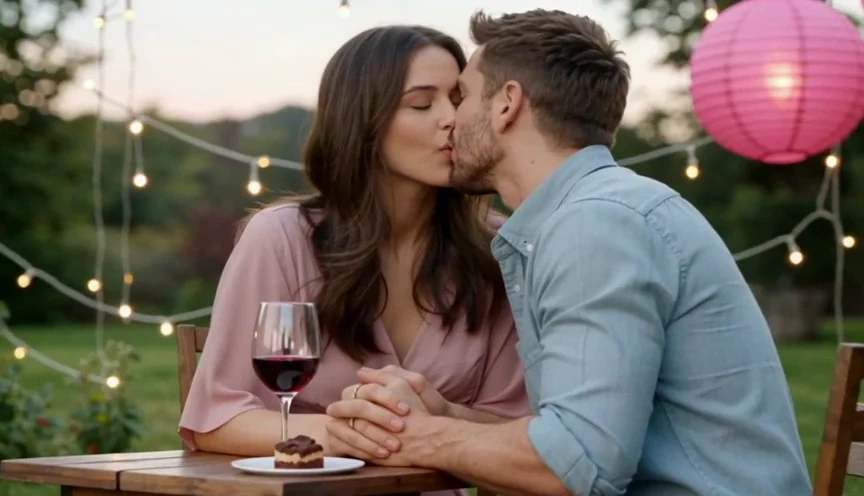
Animate Portraits and Art for Social Reels
Illustrators, photographers, and meme pages upload a single frame and apply image to animation AI presets that add subtle parallax, eye-line drift, or atmospheric movement suited to short-form feeds. This free AI animate image workflow helps creators publish daily without filming b-roll for every post. You can AI generate video from image drafts, tweak motion strength, and export square or vertical formats native to TikTok and Instagram. When a trend shifts, swap the picture and regenerate; the animate image to video AI layer keeps style consistent across a content series.
Who is Venzia's Image to Video for?
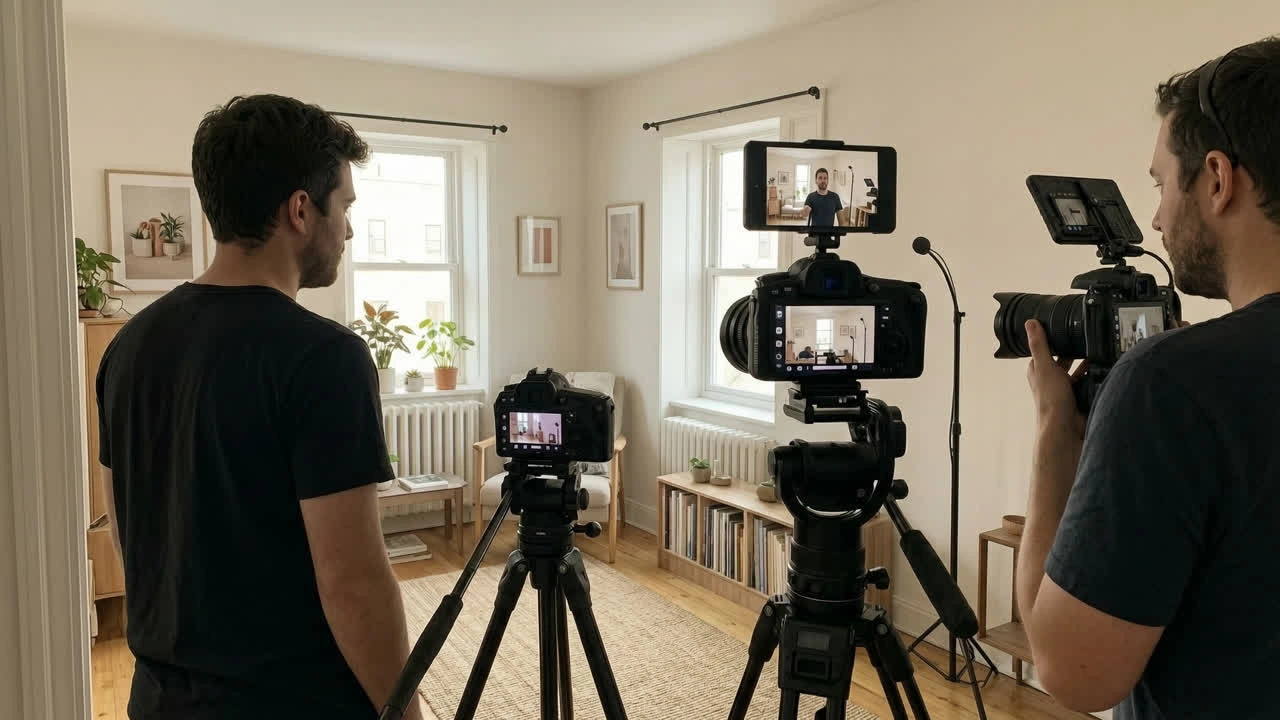
E-Commerce & Brand Marketing Teams
Catalog managers need fresh motion creative faster than quarterly shoots allow. Venzia helps them make video from images for PDP galleries, retargeting ads, and seasonal lookbooks without expanding headcount.
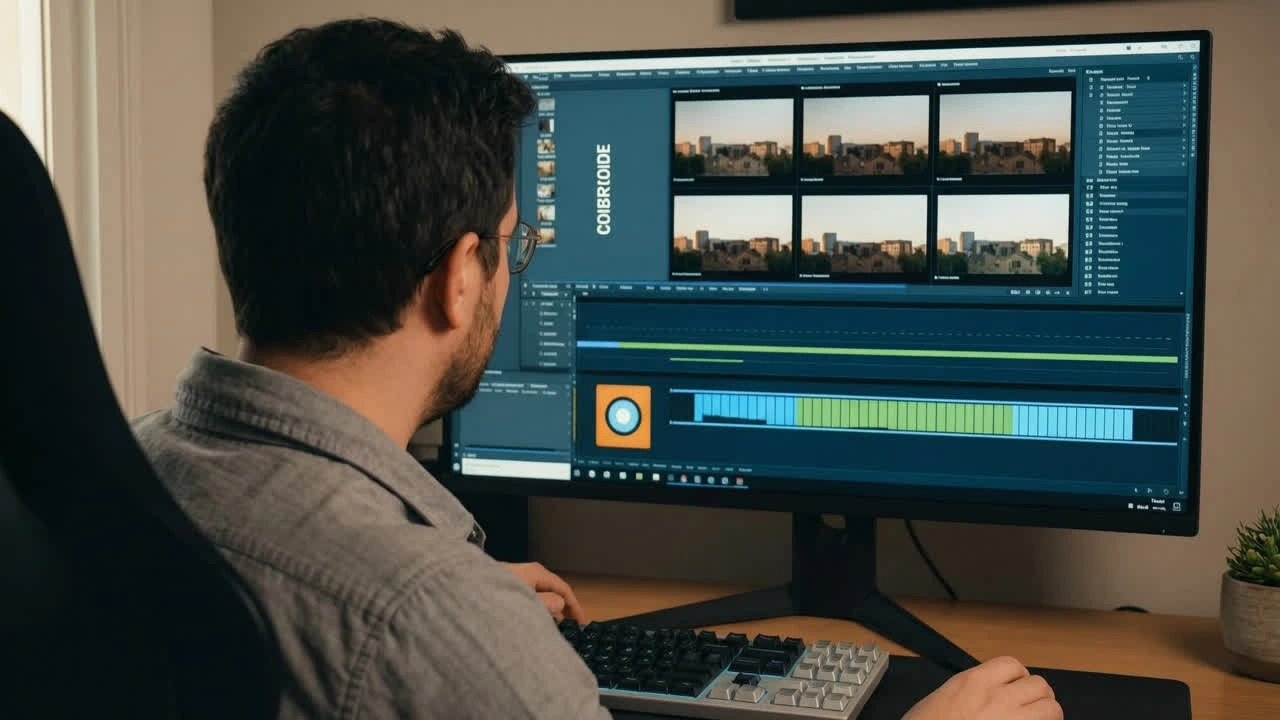
Event Planners & Memory Keepers
Wedding coordinators, school admins, and family organizers use AI photo to video online to turn scattered camera rolls into tribute reels. Creating a video from photos becomes a same-week task instead of a month-long edit backlog.

Creators & Small Agency Producers
Solo operators and boutique studios pitch clients with motion mocks built from still mood boards. The AI video from photo path lets them show direction before cameras roll and keep revisions inside one shared link.
Why Choose Venzia's Image to Video?
Subject-Aware Motion, Not Generic Zoom Loops
Venzia analyzes faces, products, and horizons before it applies movement, so AI generate video from image outputs respect focal points instead of cropping awkwardly. That scene intelligence is what separates usable drafts from cheap slideshow templates competitors push as AI video generator free demos.
Fully Online, No GPU or Plugin Required
Run the free image to video online workflow from Chrome, Safari, or mobile browsers without installing desktop suites. Uploads are processed in the cloud, which means teams on locked-down laptops can still create AI video from image online free during client calls or field reviews.
Flexible Export for Real Distribution Channels
Download MP4 files sized for paid social, email embeds, and presentation decks. Eligible plans support cleaner exports so your picture for video assets look client-ready, whether you are shipping images to video online for a campaign or archiving photo to mp4 proofs for approval.