
AI Video Generator
No Content Restrictions
Free AI Video Generator - Image to Video & Text to Video Online
Feed it a photo or a sentence and get finished motion back in the same tab. Venzia runs as free image to video AI and text to video AI engine, and every render leaves as uncensored AI video that matches the brief you actually wrote.
What is Venzia's AI Video Generator?
Venzia's AI video generator is an image-led rendering engine that turns one still or one written line into watchable motion without a timeline, a plugin or a workstation. Upload a portrait, packshot, or piece of artwork and the model reads depth, pose and lighting before it plans camera movement, so what comes back reads as a directed shot rather than a zoom crawling over a flat plane. Prompt-only work runs through the same pipeline when there is no photo to start from, and both paths share one preview and one export. The difference people notice first is what does not happen: nothing gets blurred, cropped, or refused on the way to the render, because this is an uncensored AI video generator at the model layer rather than a wrapper with a filter bolted on top. Teams that adopted it as their AI video creation tool usually arrived after a mainstream service rejected a legitimate concept, then stayed once they saw an uncensored AI tool handle horror, editorial fashion, and mature storytelling on the same engine that renders their product catalog.
How Does Venzia's AI Video Generator Work?
Step 1: Add a Photo or a Prompt
Drop a JPG, PNG, or WebP into the canvas to run the image to video AI generator, or type a line of copy when you want script to video AI instead. Neither input passes through a classifier that decides your subject before rendering begins.
Step 2: Set Motion, Duration and Ratio
Choose camera movement, clip length, aspect ratio, and motion strength, then let the engine compose the shot. Because an uncensored AI tool interprets your settings literally, you can generate video AI drafts and adjust until the take matches the concept instead of a softened approximation.
Step 3: Preview and Download MP4
Watch the result inline, tweak the prompt or source frame, and export a clean MP4 for social, listings, or a client link. Nothing installs locally, so the same session continues on a laptop, tablet, or phone.
What You Can Do with Venzia's AI Video Generator?
Animate One Still into a Complete Shot
A single photo carries enough information to build a scene. Venzia's AI image to video generator free tier reads the subject before applying parallax, breathing motion, and camera drift, so portraits and product frames gain believable movement instead of mechanical scaling. Studios with deep photo archives and no shoot budget lean on this path every week. Running an uncensored image to video AI also means editorial, horror, and mature concept frames animate on the same engine as everyday catalog work, and the render never downgrades halfway through because a filter changed its mind.
Build a Scene from a Single Line of Copy
Plenty of briefs start as one sentence in a message thread. The AI text to video generator reads that sentence for subject, mood, and pacing, then hands back a draft the team can argue with while changes are still cheap. Writers use it to create AI video free of the storyboard step entirely. As an uncensored text to video AI, it renders a noir chase, a surreal dreamscape, or a blunt product claim as written, so the prompt reaches the model without a rewrite flattening the idea first.
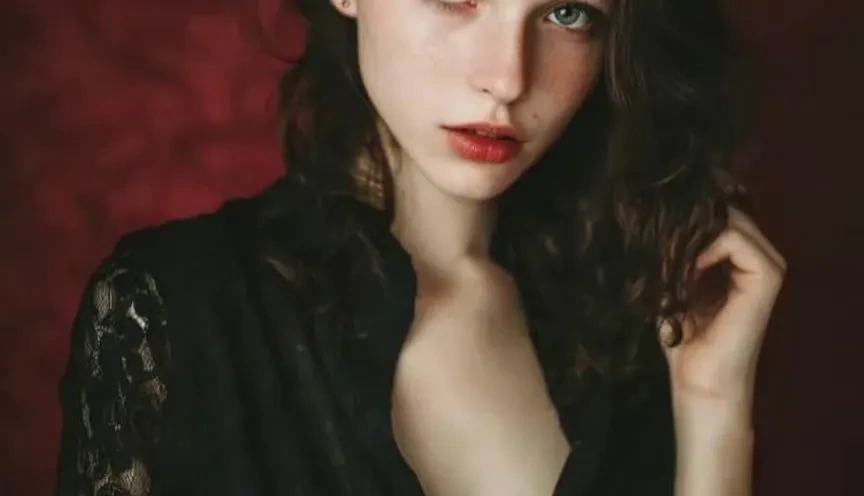
Set Artwork and Illustration in Motion
Illustrators, tattoo artists, and cover designers push finished art through the AI animation video generator and get drift, atmosphere, and loop timing that respect line weight and palette. The original file stays intact, so nothing needs rebuilding inside a motion suite. Qualifying plans behave like an unlimited AI video generator free of per-render anxiety, which matters when a series needs twelve consistent pieces rather than one lucky output. An uncensored AI tool also keeps darker or adult-leaning art styles intact instead of sanding off the edges that made the piece work.
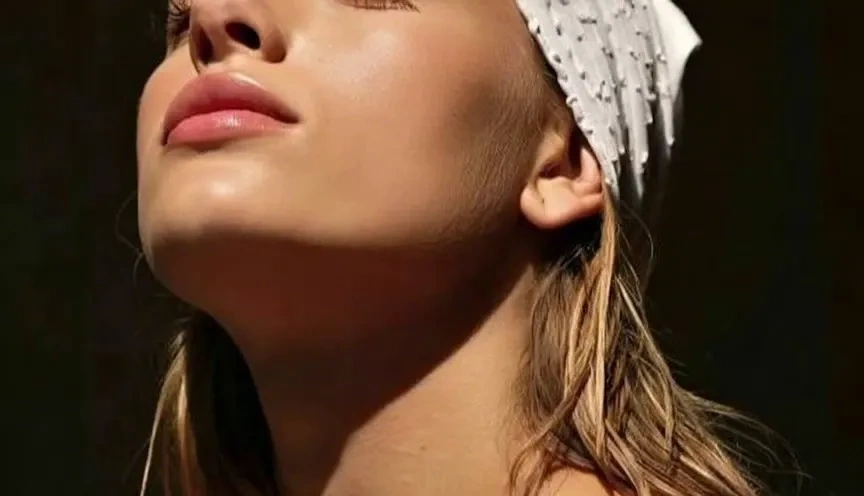
Produce Daily Social Cuts Without a Crew
Channels posting five times a week need throughput more than perfection. Used as an AI clip generator, Venzia turns camera-roll photos and short prompts into feed-native cuts for Reels, Shorts, and TikTok in a single sitting. Swap the source image, regenerate, and a week of content assembles itself around one visual theme. Accounts covering nightlife, combat sports, or adult-oriented lifestyle topics specifically choose an unfiltered AI video generator, since uncensored AI video is the only kind that reflects what their audience actually follows them for.
Who is Venzia's AI Video Generator for?
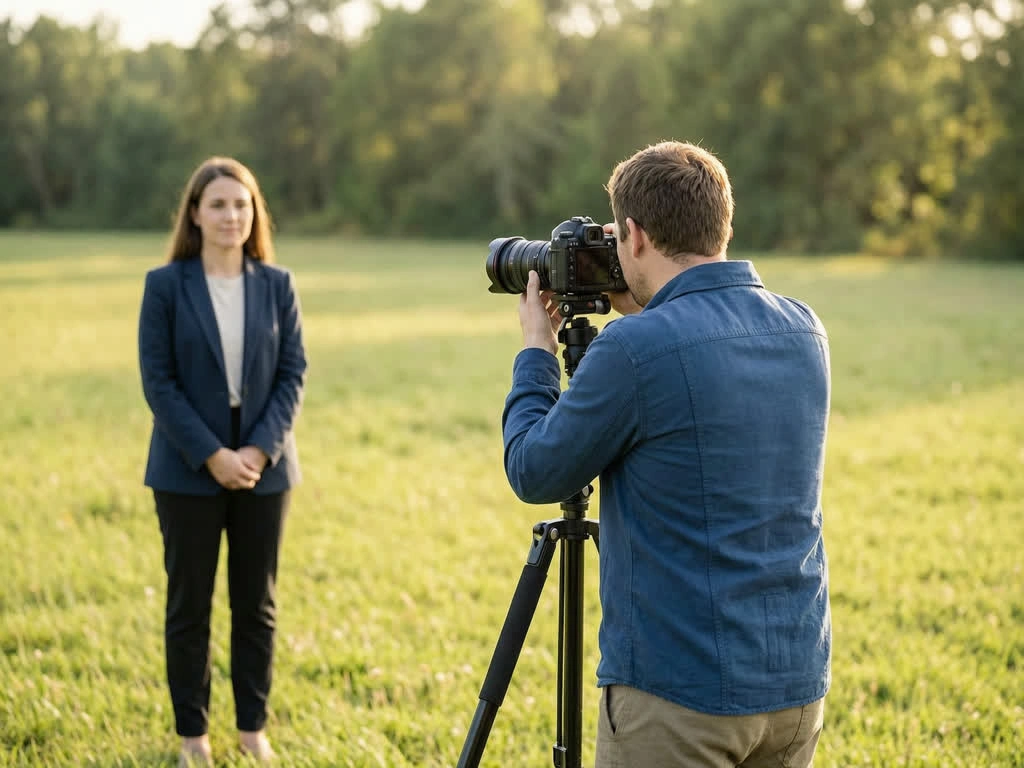
Independent Creators & Channel Owners
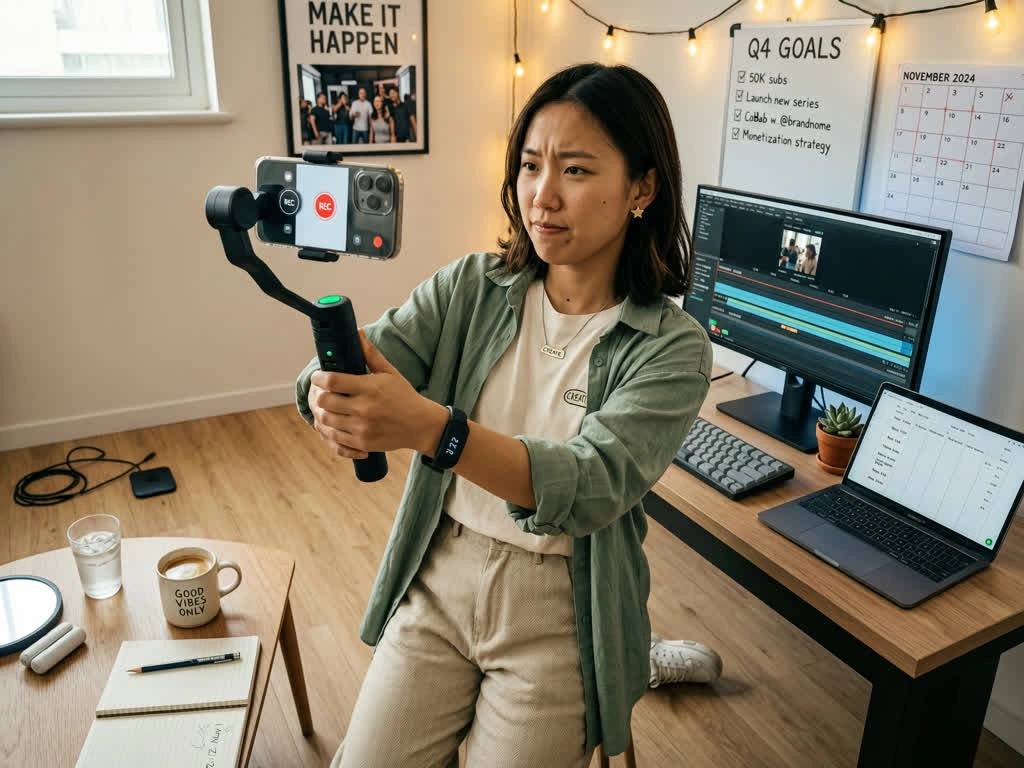
Solo publishers need to create AI videos for free long enough to find what works before paying for scale. Many land here searching for an uncensored AI tool after a mainstream platform refused a perfectly lawful concept, then stay because a phone photo becomes a post while the idea is still fresh.
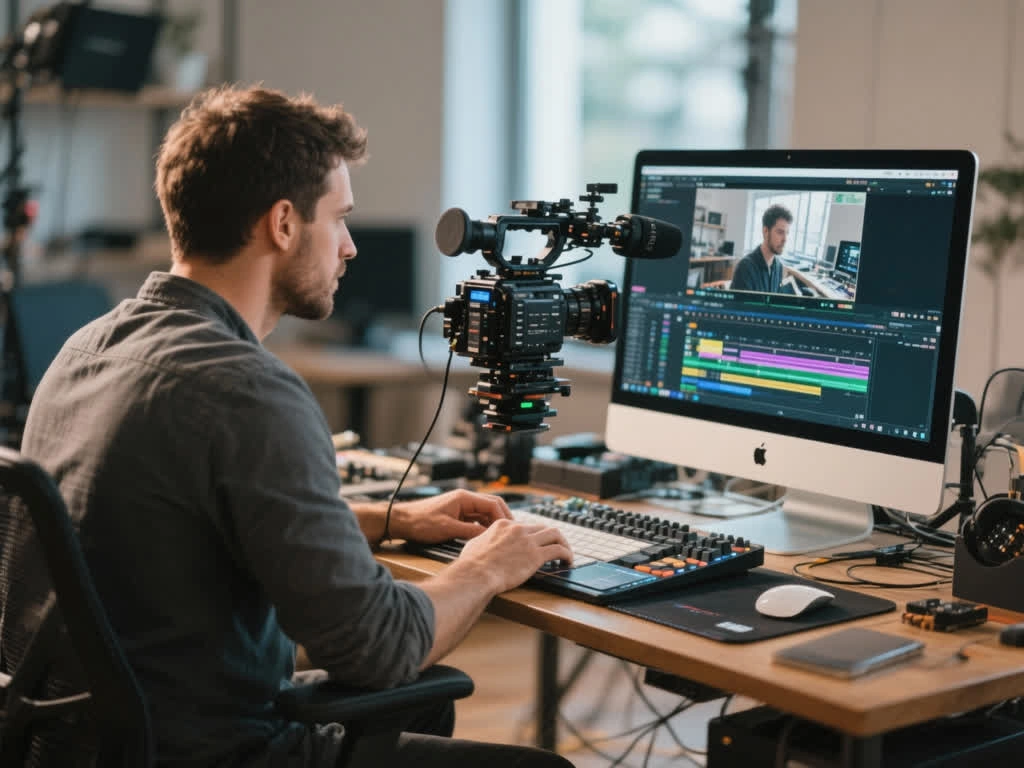
Designers, Studios & Art Directors
Teams comparing the best AI video generator options care about fidelity to the source, not novelty presets. Artwork keeps its palette, motion follows composition, and uncensored AI video means a dark or provocative series renders as a set rather than one approved frame and eleven rejections.
Marketers & E-Commerce Sellers
Sellers sitting on catalogs of stills treat this online AI video generator as an ad workshop. Product photos become motion variants for listings, pre-roll, and paid social without booking studio time for every seasonal refresh.
Why Choose Venzia's AI Video Generator?
The Prompt You Wrote Is the Prompt That Renders
Most services promising the best free AI video generator quietly route every upload through classifiers that blur, crop, or reject before a frame appears. Venzia keeps interpretation at the model layer, which is exactly what people mean when they search for an uncensored AI video generator free of hidden rewrites. The payoff is a usable first draft instead of a preview that reinvented your concept without asking.
Retries Cost Passes, Not Budget
Motion rarely lands on attempt one. Video generator AI free credits refresh daily and higher tiers run as an unlimited AI video generator free of per-render accounting, so testing five camera moves on the same photo is normal rather than expensive. Output quality tends to rise simply because the risky version finally gets rendered.
Browser-Based Rendering with Clean Exports
The full session runs in Chrome, Safari, or a mobile browser with no GPU, plugin, or desktop suite involved. Files leave as MP4 ready for ads, listings, and client review links, and an unrestricted AI video generator free of export gates is what separates a top AI video generator from a demo that traps your work behind a preview player.