
AI Video Extender
No Content Restrictions
Free AI Video Extender - Extend Video Length & Background Instantly
Upload a short clip and Venzia adds believable seconds at the head, tail or edges of the frame. One AI video extender handles duration, background and reframing so you hit platform specs without reshooting or manual clone-stamping.
What is Venzia's AI Video Extender?

Venzia's AI video extender is a generative lengthening workspace that adds coherent footage before or after your clip instead of looping the same frames on repeat. Upload MP4 or MOV, choose whether you need more runtime, wider background, or reframed aspect ratio, and the engine analyzes motion, lighting, and scene continuity before it renders new segments that match the original take. Editors use it as a video to video extender AI layer when client deliverables need five extra seconds, vertical crops cut off product labels, or b-roll runs short in a timeline. Marketers rely on extend video with AI workflows to satisfy ad minimums without booking another shoot day. As a free AI video extender online option on eligible plans, Venzia lets you preview extensions in the browser before exporting a final cut.
How Does Venzia's AI Video Extender Work?
Step 1: Upload Your Source Clip
Drop a short MP4 or MOV into the AI video extender online interface. Clips from phones, screen recordings, and ad edits all work; the video extender AI reads motion paths and scene context before suggesting extension options.
Step 2: Choose Length, Background or Frame Mode
Pick AI extend video duration for runtime, AI video background extender for edge fill, or AI video frame extender for aspect-ratio reframing. Set seconds to add, direction (before/after/both), and target ratio when you need a vertical or widescreen deliverable.
Step 3: Preview, Refine and Export
Review the AI extended video draft, adjust strength or trim points, then download MP4 for social, ads, or import into Premiere and other NLEs. Extend video AI online free previews run in the cloud so heavy files never choke your local machine.
What You Can Do with Venzia's AI Video Extender?

Hit Minimum Length for Ads and Platform Uploads
Performance teams often receive strong six-second hooks that fail platform minimums or feel rushed before the call to action lands. Venzia's AI video length extender free workflow adds natural tail footage so viewers read the offer without noticing a hard loop or freeze frame. Instead of rebuilding the edit from raw files, you extend video length AI free previews in minutes and ship the same creative with compliant runtime. Media buyers use this extend video duration AI path to rescue near-final cuts during live campaigns when legal adds a disclaimer line at the last minute.
Expand Backgrounds Without Reshooting B-Roll
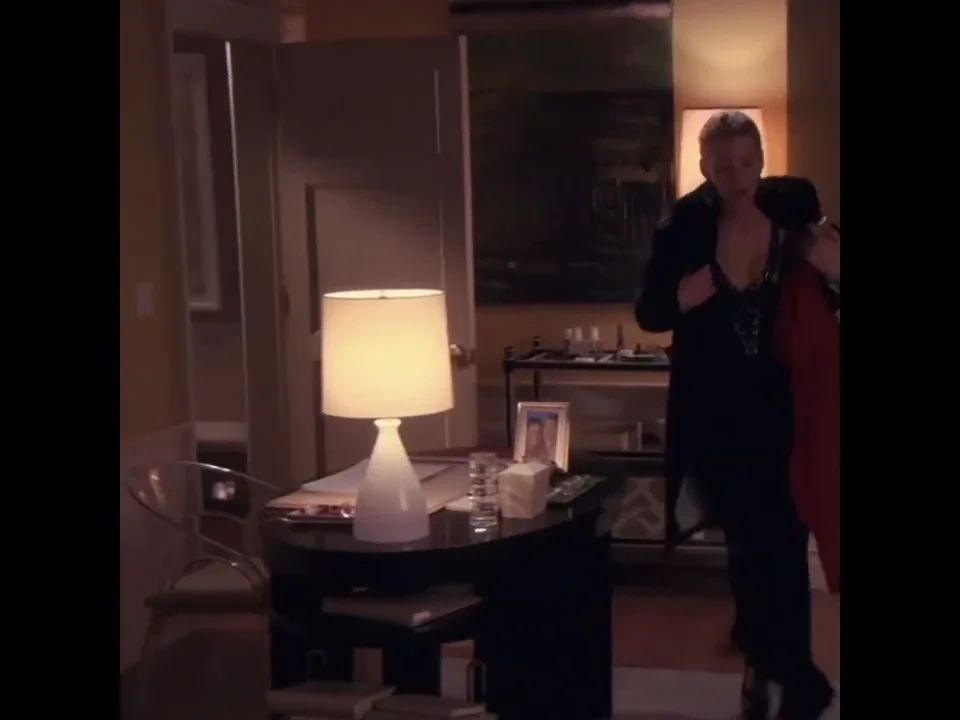
When a subject sits too close to the frame edge, a simple crop breaks composition and a reshoot blows the budget. Venzia's AI video background extender generates matching scenery left and right so reframes feel intentional rather than cramped. Documentary and corporate editors use extend video background AI to salvage interview clips recorded in tight hotel rooms or trade-show booths. The AI extend video background mode preserves lighting direction and texture so extended edges do not look pasted from unrelated stock.

Reframe Horizontal Footage for Vertical Feeds
Creators repurpose widescreen edits for TikTok, Reels, and Shorts without losing product or presenter visibility. The AI vertical video extender and AI video aspect ratio extender add canvas above and below or beside the action while keeping motion coherent across the new frame. Social managers who once duplicated projects in three aspect ratios now extend a video with AI once and publish faster across channels. Optional safe-zone guides help text and logos stay visible after reframing.

Smooth Loop Points and Meme Clip Endings
Meme pages and reaction editors need seamless loops and slightly longer punchlines without visible seams at the cut. Venzia's AI video frame extender free tier helps extend AI video segments at loop boundaries so motion continues naturally into the repeat. Short-form producers also use generative extend video AI to pad meme templates when audio outlasts the visual by a beat or two. Export a clean MP4 and drop it straight into your meme stack or client review link.
Who is Venzia's AI Video Extender for?
Social Media & Content Teams
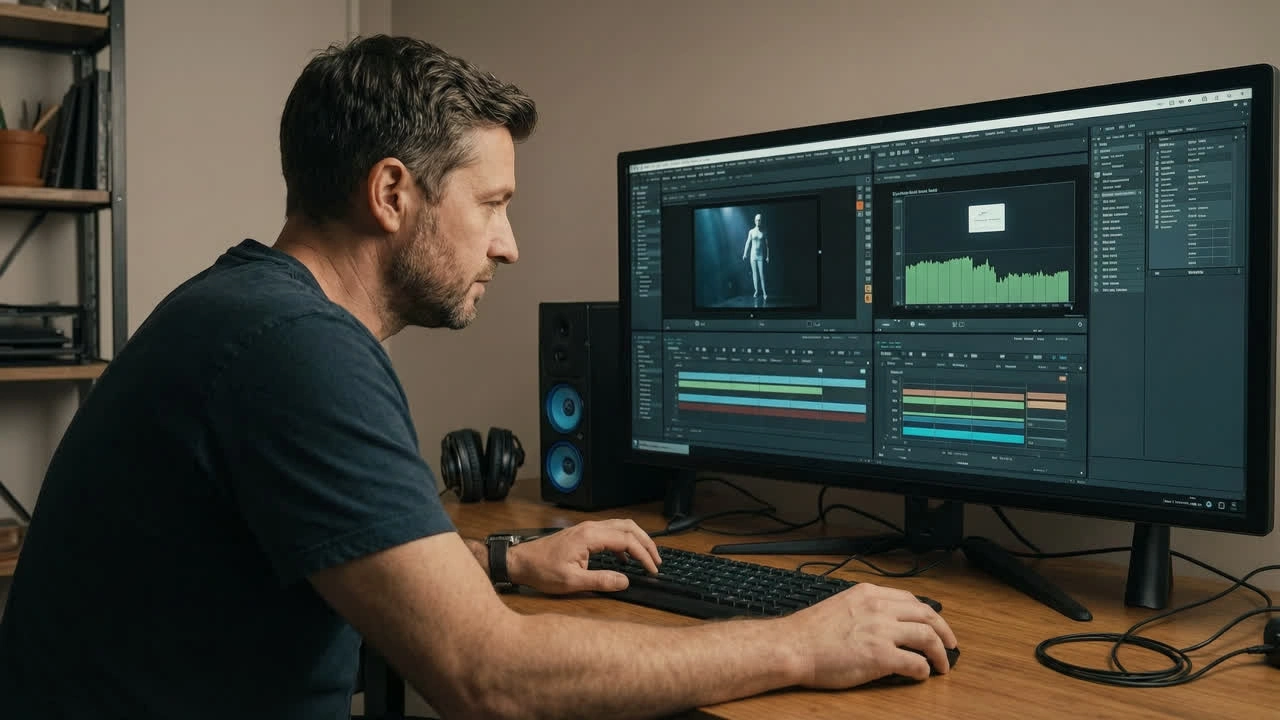
Channel managers extend videos with AI when one master cut must ship in multiple lengths and ratios before a launch window closes. Venzia keeps tone and motion consistent so repurposed clips do not look patched together.
Video Editors & Post-Production
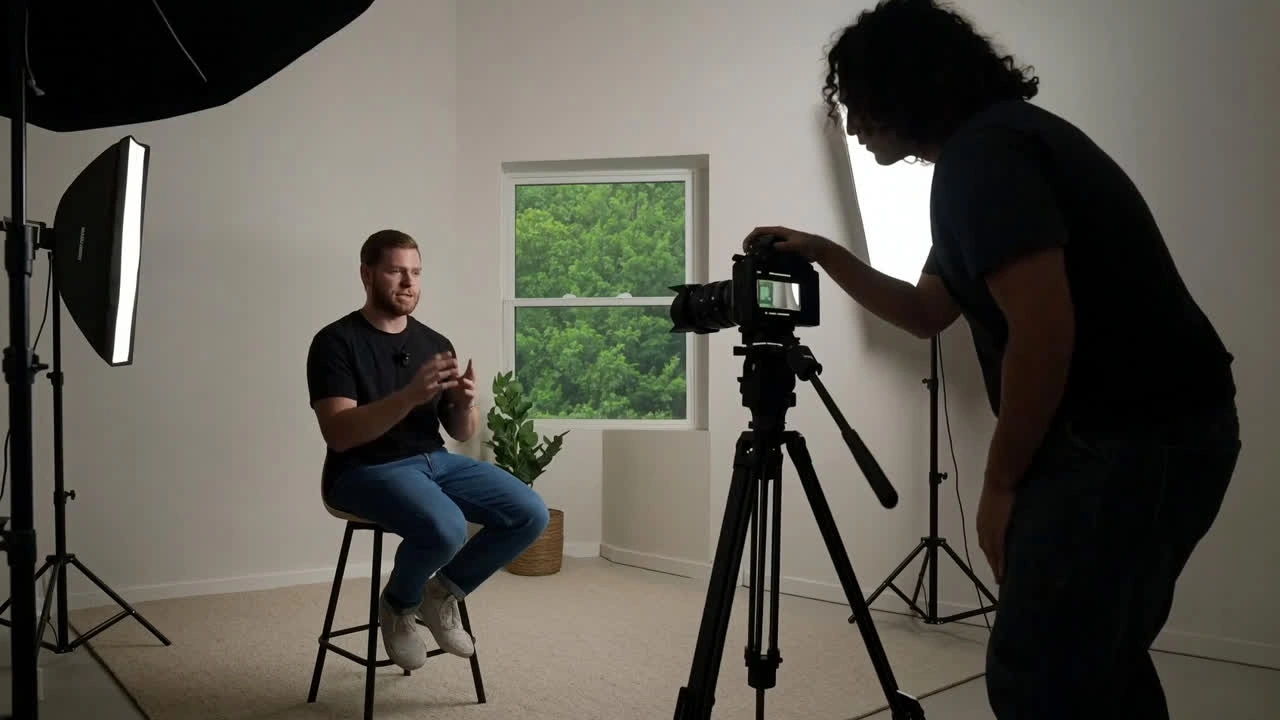
Editors treat Venzia as a video length extender AI assist inside tight turnaround schedules. Extend any video with AI for hold frames, disclaimer tails, and background fill, then round-trip MP4 back into Premiere or DaVinci.

Advertisers & Performance Marketers
Ad ops teams rescue near-approved creatives that miss runtime specs by seconds. Extend video using AI instead of resubmitting to production and losing launch day momentum on winning hooks.
Why Choose Venzia's AI Video Extender?
Continuity-Aware Extension, Not Blind Looping
Venzia models subject motion, parallax, and lighting before generating new frames, which is why teams comparing best free AI video extender tools stay for rescue edits instead of one-off demos. Extend video frame AI outputs respect scene logic rather than repeating the last pixel block.
Length, Background, and Ratio in One Tab
Switch between AI extend video length, video background extender AI, and aspect-ratio modes without exporting to three separate apps. That unified video AI extender workflow cuts handoff friction for agencies juggling dozens of cutdowns per campaign.
Browser-Based with Fast Preview Credits
Run extend video AI online free previews from any modern browser without a local GPU farm. Eligible users can test AI video extender free online no sign up limits per current plan rules before upgrading for higher resolution or batch volume.