
AI Video Editor
No Content Restrictions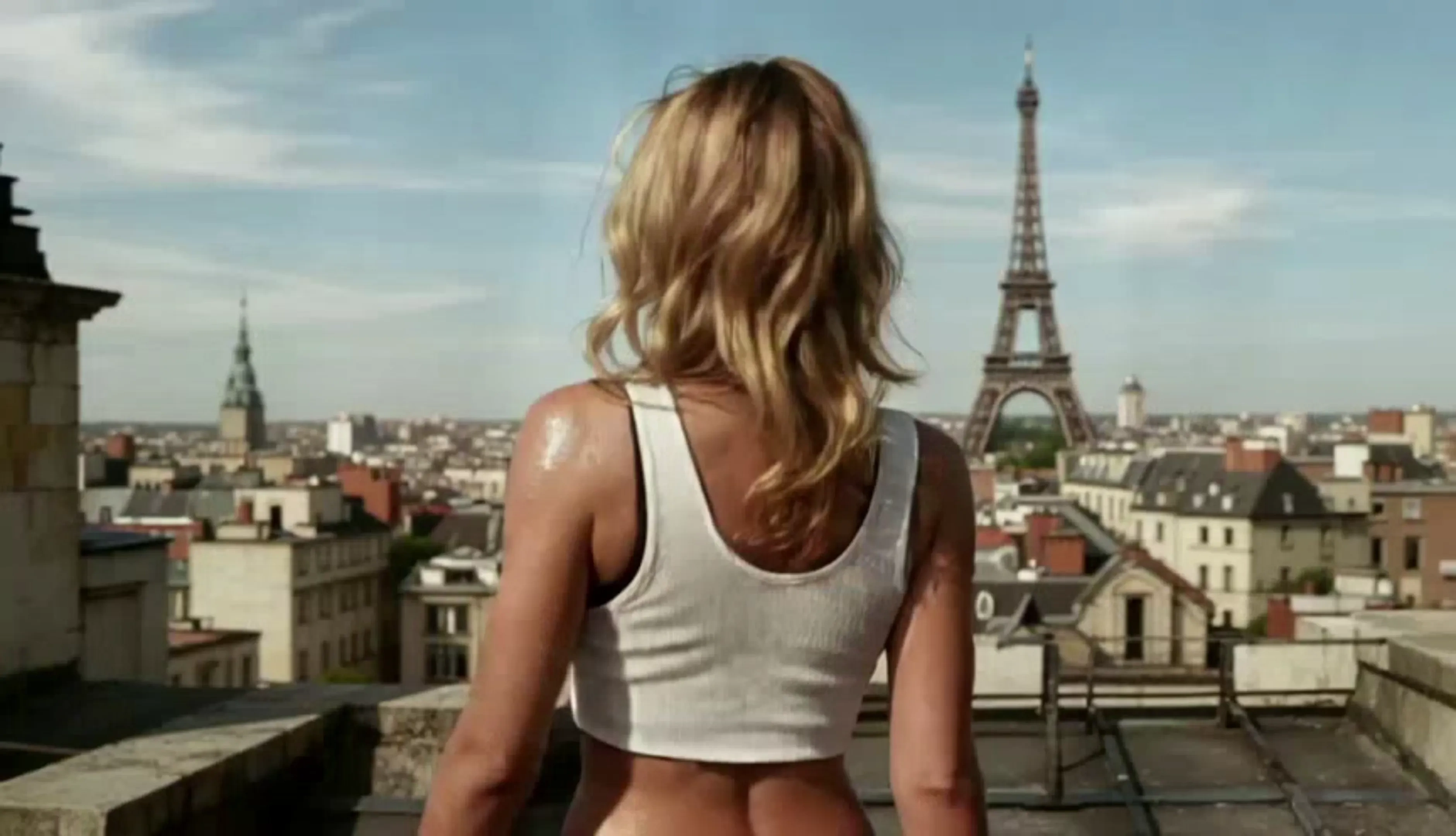
Free AI Video Editor Online - Image to Video & Text to Video
Upload a photo, paste a prompt and cut a finished clip in the same tab. Venzia works as unfiltered image to video editor and unlimited text to video editor, and creators searching for an unrestricted AI video maker free of arbitrary style gates get the take they actually asked for.
What is Venzia's AI Video Editor?
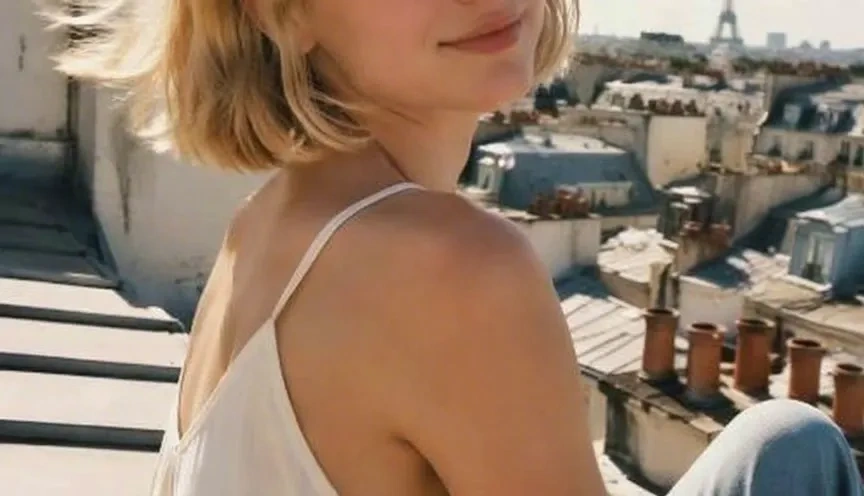
Venzia's AI video editor is an image-first generation studio that turns a single still into finished motion without a timeline, a plugin, or a rendering machine under your desk. Drop in a portrait, product shot, or illustration and the engine reads pose, lighting, and depth before it builds camera movement, so AI generated video from image output holds together instead of drifting frame by frame. Prompt-driven work runs on the same canvas when you have words but no footage, and both paths share one preview, one history, and one export. Where mainstream tools quietly soften anything unusual, Venzia runs as an uncensored AI video generator at the model layer: horror, editorial fashion, mature storytelling, and stylised concept work render as authored rather than getting rewritten by a safety pass. That is why creators hunting for an unfiltered AI video maker treat this AI video creation platform as a production tool instead of a novelty demo.
How Does Venzia's AI Video Editor Work?
Step 1: Upload a Photo or Write a Prompt
Drag a JPG, PNG, or WebP into the canvas to run the image to video AI generator, or switch to the text to video generator when you only have a script. Both inputs accept the same brief, and no classifier decides your subject before the render starts.
Step 2: Direct Motion, Length and Framing
Set camera movement, duration, aspect ratio, and intensity, then let the engine plan the shot. Working inside an uncensored AI video editor means you can AI edit video settings and regenerate freely until the take matches the concept, not a sanitised approximation of it.
Step 3: Review and Export MP4
Preview inline, adjust the frame or prompt, and download a clean MP4 for social, ads, or a client review link. Nothing installs locally, so the same free AI video editing session continues on a laptop or a phone.
What You Can Do with Venzia's AI Video Editor?
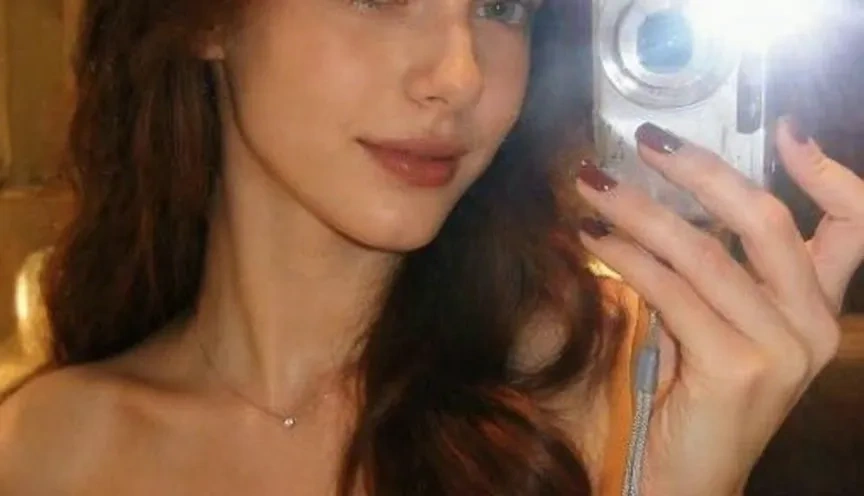
Animate a Single Photo into a Finished Shot
One still is enough to start. Venzia's AI image to video generator studies the subject before applying parallax, breathing motion, and camera drift, so a portrait gains life instead of a mechanical zoom sliding across a flat plane. Photographers and shop owners use this path when the archive is full of stills and the calendar has no room for another shoot. Because it runs as an uncensored image to video AI, editorial, horror, fashion, and mature concept frames animate on the same engine as everyday product photography, with no silent downgrade halfway through a render.
Build a Scene When You Only Have Words
Some briefs arrive as a sentence in a chat thread. The text to video AI generator reads that sentence for subject, mood, and pacing, then returns a draft you can react to instead of a blank timeline. Writers and strategists use it to make AI videos early, while the concept is cheap to change and stakeholders still argue about direction. As an uncensored text to video AI, it interprets a noir chase, a surreal dreamscape, or a blunt product line literally rather than routing the prompt through a rewrite that flattens the idea.
Turn Artwork and Illustration into Motion
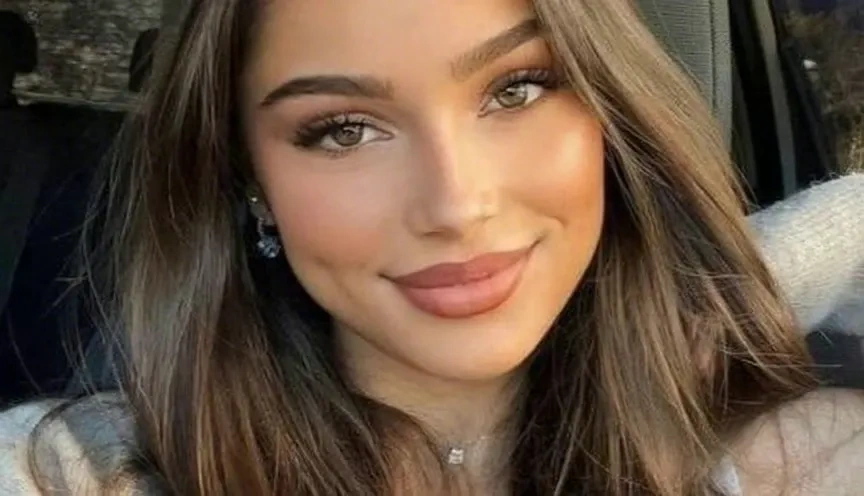
Illustrators, tattoo studios, and album designers feed finished art into the AI animated video maker and get movement that respects line weight and palette. Instead of rebuilding a composition in a motion suite, you keep the original artwork intact and let the engine handle drift, atmosphere, and loop timing. Qualifying plans behave like an unlimited AI video generator, which matters when a series needs twelve consistent pieces rather than one lucky render. Export square or vertical and the same visual language carries across a full campaign.
Cut Daily Social Clips Without a Crew
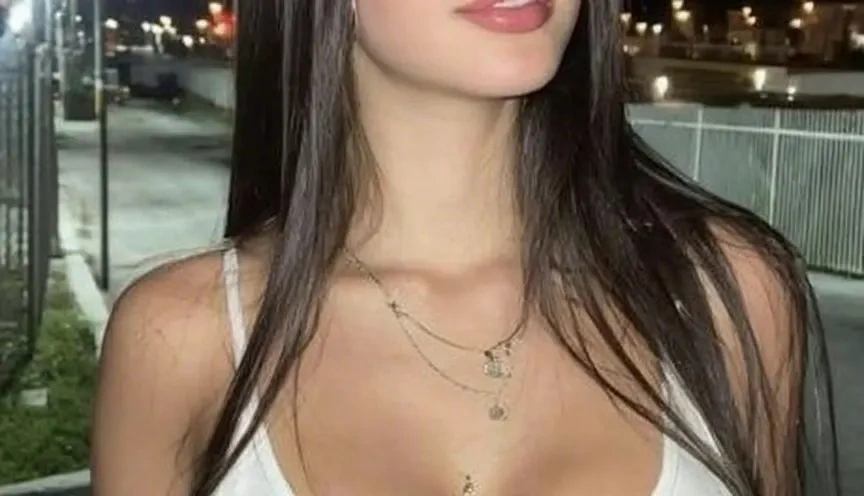
Creators publishing five times a week need volume more than perfection. As an AI clip maker, Venzia converts camera-roll photos and short prompts into feed-native cuts sized for Reels, Shorts, and TikTok in one sitting. Swap the source image, regenerate, and a week of content builds itself around a single visual theme. Channels covering nightlife, combat sports, or adult-oriented lifestyle topics rely on an unfiltered AI video generator precisely because a sanitised template misreads that audience every time.
Who is Venzia's AI Video Editor for?

Independent Creators & Channel Owners
Solo operators shipping daily need an AI video creator free enough to experiment with and fast enough to publish from. Many arrive searching for an uncensored AI video maker after a mainstream tool rejected a perfectly legitimate concept, then stay because a phone photo becomes a post while the idea is still warm.
Designers & Small Studios
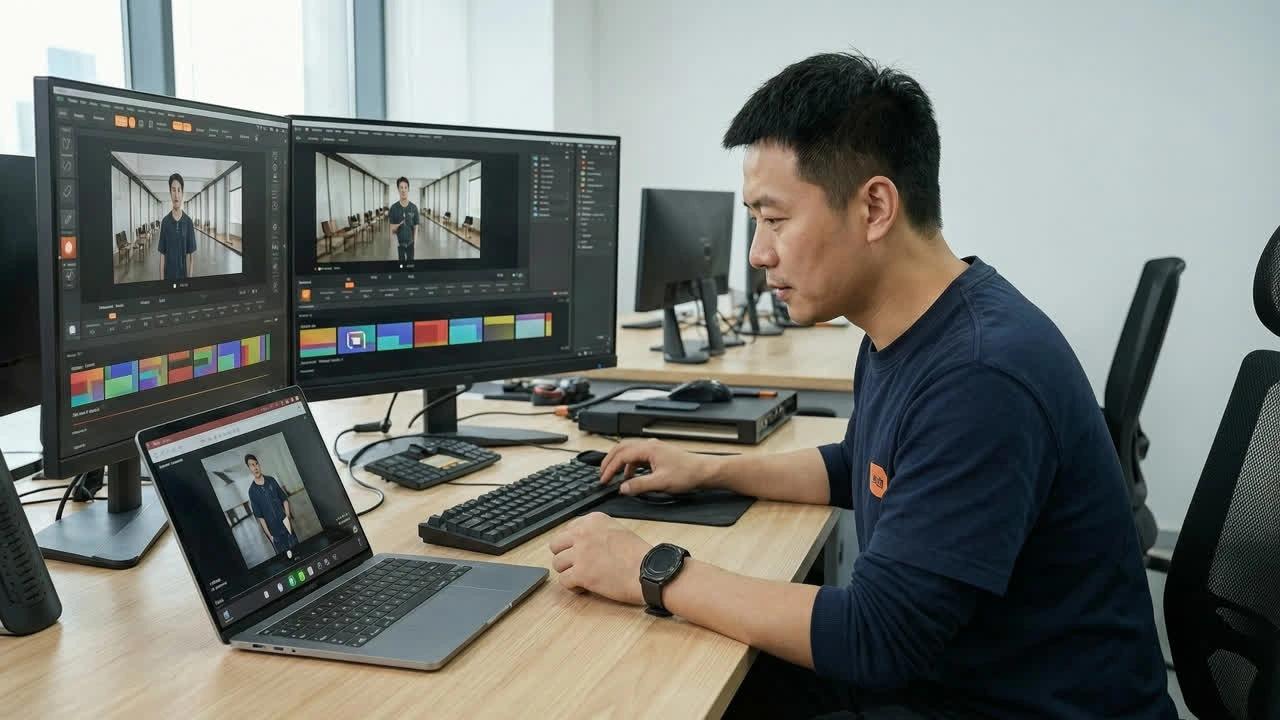
Studios comparing the best AI video editor options usually care about control, not novelty. Here artwork keeps its palette, motion follows composition, and revisions cost a regenerate rather than a rebuilt comp.
Marketers & E-Commerce Sellers
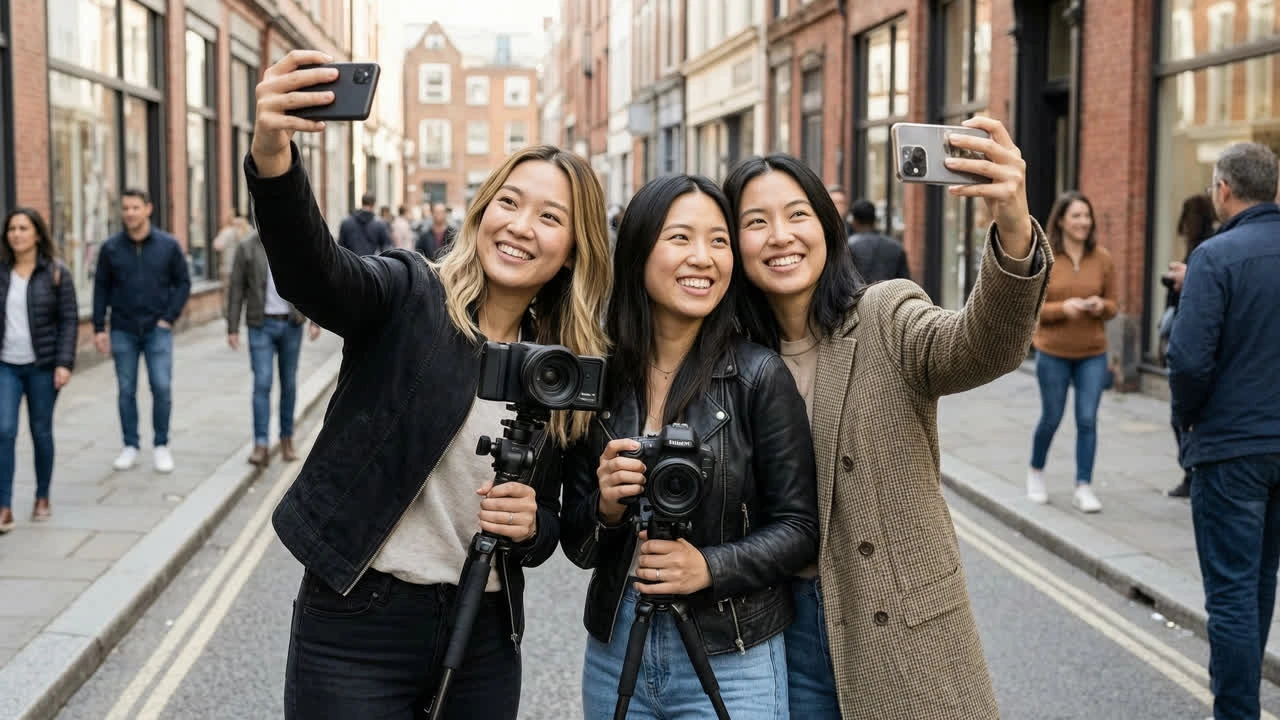
Sellers with catalogs full of stills use Venzia as an AI YouTube video maker and ad workshop at once. Product photos become motion variants for listings, pre-roll, and paid social without booking studio time for every seasonal refresh.
Why Choose Venzia's AI Video Editor?
Your Brief Reaches the Model Intact
Most platforms advertise an AI powered video editor and then route every upload through classifiers that blur, crop, or reject before you see a frame. Venzia keeps interpretation at the model layer, which is what people actually mean when they search for an uncensored AI video generator free of hidden rewrites. The difference shows up as a usable draft instead of a preview that quietly reinvented your concept.
Iteration Is the Feature, Not the Penalty
Good motion rarely lands on the first pass. Video editing AI free credits refresh daily, and qualifying subscriptions run as an unlimited AI video generator free of per-render anxiety, so you can test five camera moves on the same photo instead of protecting a credit balance. Teams working this way ship better clips because they were allowed to try the risky version.
Browser-Based, Export-Ready, No Install
Run the whole session in Chrome, Safari, or a phone browser with no GPU, plugin, or desktop suite involved. Exports leave as clean MP4 files suited to paid social, listings, and client links, and an unrestricted AI video generator is only useful if the download step keeps pace, so AI video editing tools here stay out of the way when a deadline moves.