
AI Image Generator
No Content Restrictions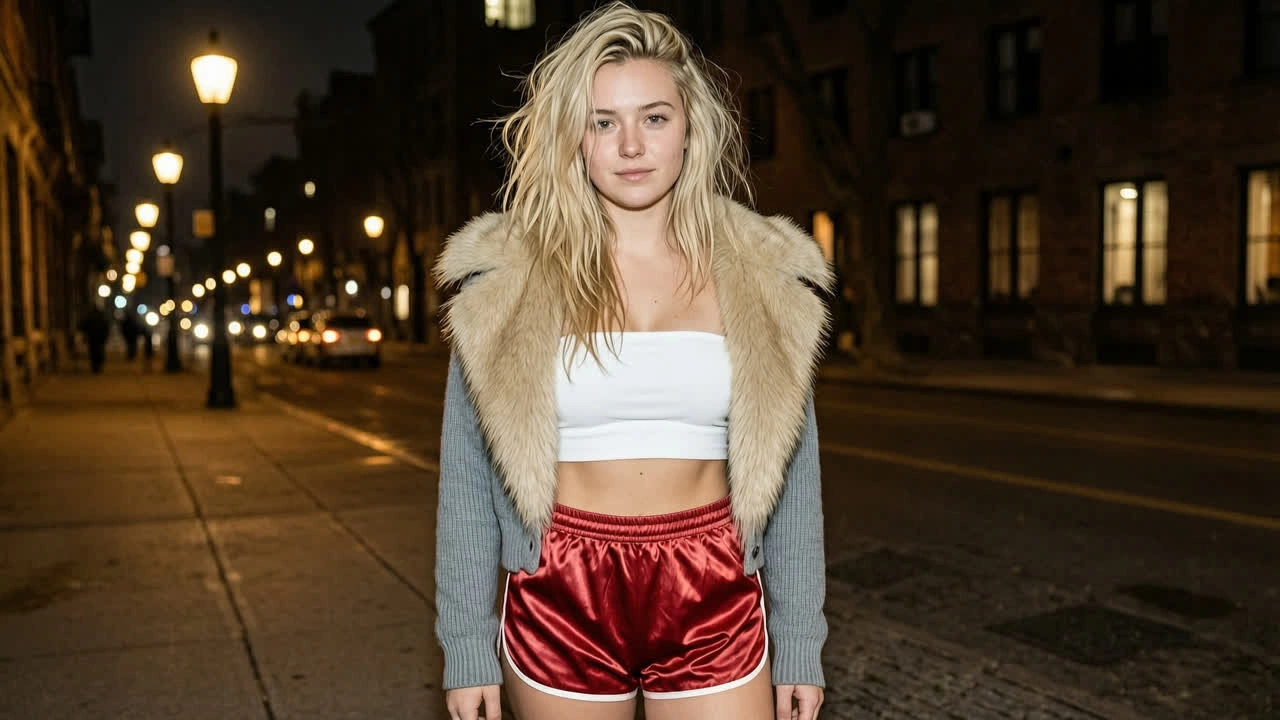
Free AI Image Generator - Text to Image & Image to Image Online
Describe an idea in words or upload a reference photo and Venzia renders polished visuals in seconds. One workspace covers text to image AI for fresh concepts and image to image AI for style shifts, refinements, and variations without switching tools.
What is Venzia's AI Image Generator?
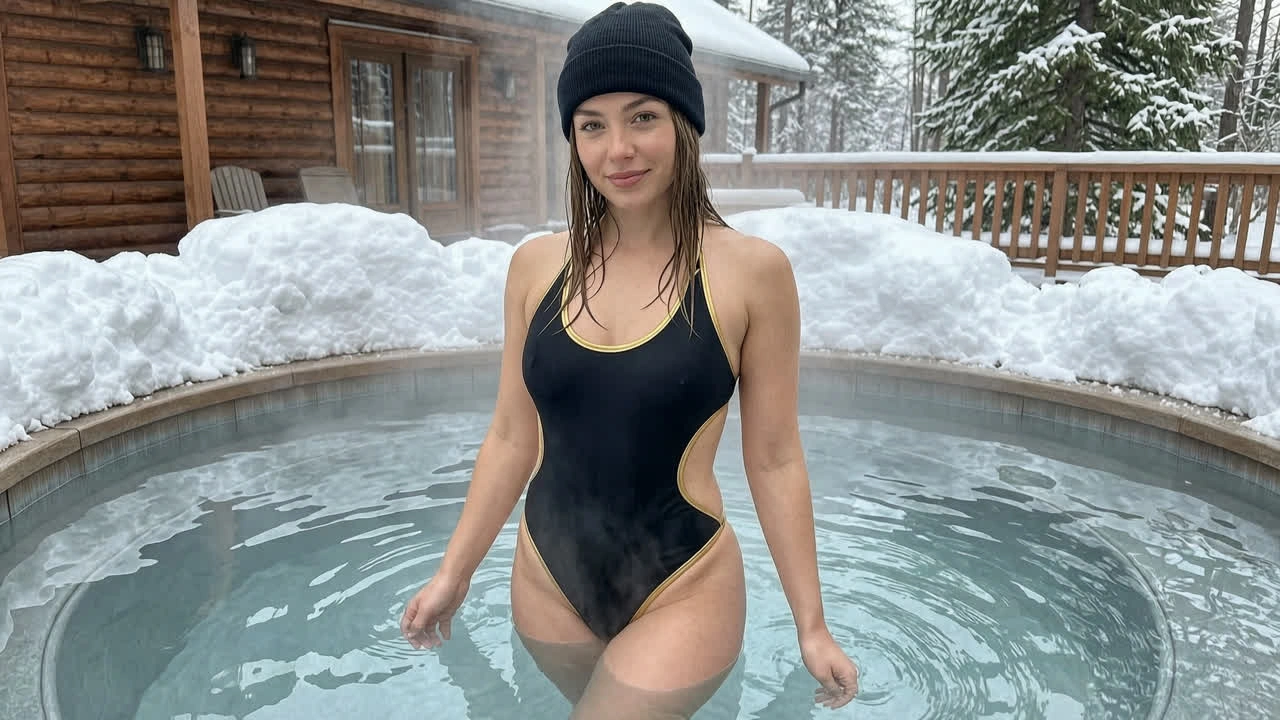
Venzia's AI image generator is a dual-mode creative workspace that produces original visuals from language prompts or existing photos inside your browser. Type a scene description and the engine runs a text to image AI pipeline that interprets subject, lighting, and composition before it renders frames you can download or refine. Upload a reference still and the same interface switches to image to image AI, letting you restyle, extend, or recompose without rebuilding the idea from scratch. Marketers, designers, and solo creators use it to create AI images for ads, social posts, mockups, and pitch decks when stock libraries feel generic or shoots are out of budget. As a free AI image generator online, Venzia offers preview credits on eligible plans so you can test AI image generation quality before scaling volume.
How Does Venzia's AI Image Generator Work?
Step 1: Choose Text or Image Input
Open the AI image generator and pick your starting point: write a prompt for AI text to image creation, or upload a photo for AI image generator from image workflows. Both modes share the same canvas, so you can move from words to references without leaving the page.
Step 2: Set Style, Ratio and Refinement Options
Select aspect ratio, art direction, and optional negative prompts to steer output. Venzia's image AI generator reads your settings and applies them consistently whether you are generating from scratch or running an image to image AI pass on an uploaded file.
Step 3: Generate, Edit and Download
Preview results, iterate on wording or strength sliders, then export PNG or JPG. Use built-in AI image editor controls to crop, upscale, or regenerate variants until the AI generated images match your brief.
What You Can Do with Venzia's AI Image Generator?
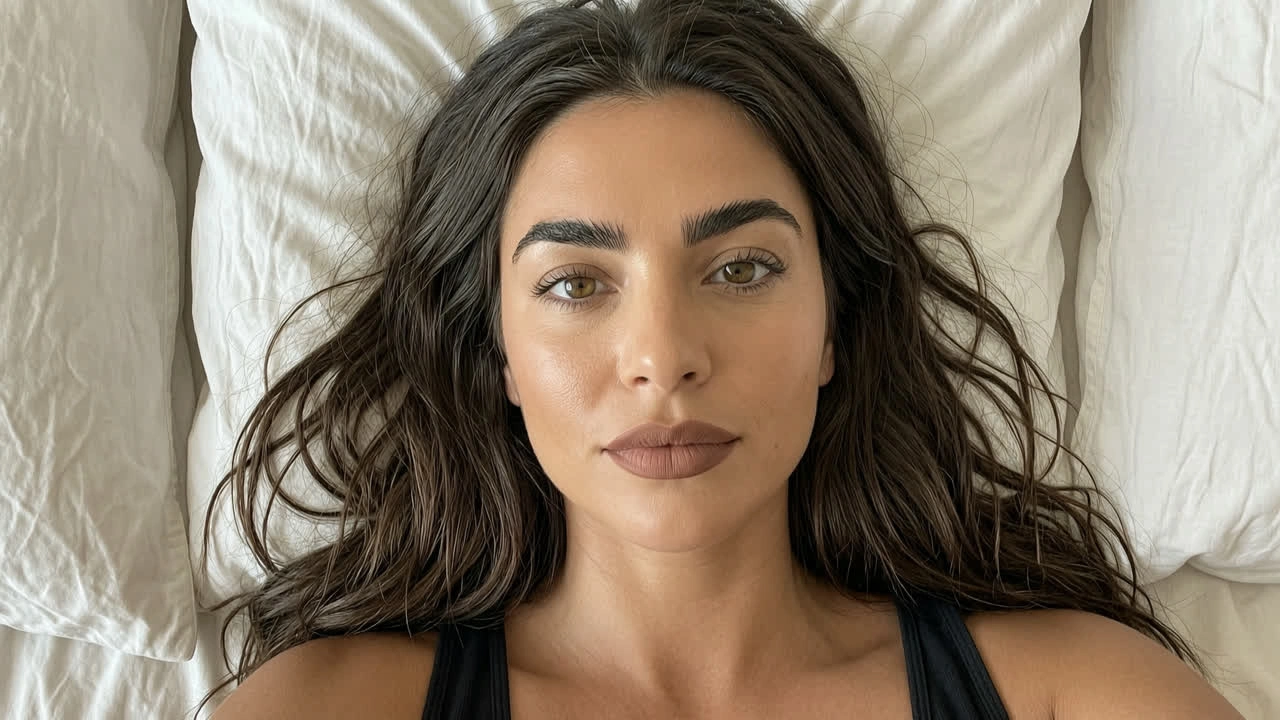
Draft Ad Creatives from a Single Prompt
Marketing teams type a product scene, headline mood, or seasonal theme into the AI photo generator and receive multiple layout-ready visuals before a photographer is booked. Instead of waiting on stock searches that never match brand color, you can AI image generator from text free drafts in minutes and A/B test hooks on paid social the same week. The text to image generator respects aspect ratios for feed, story, and display placements so art directors spend less time resizing. When copy changes, regenerate instead of reopening layered PSD files for every headline swap.
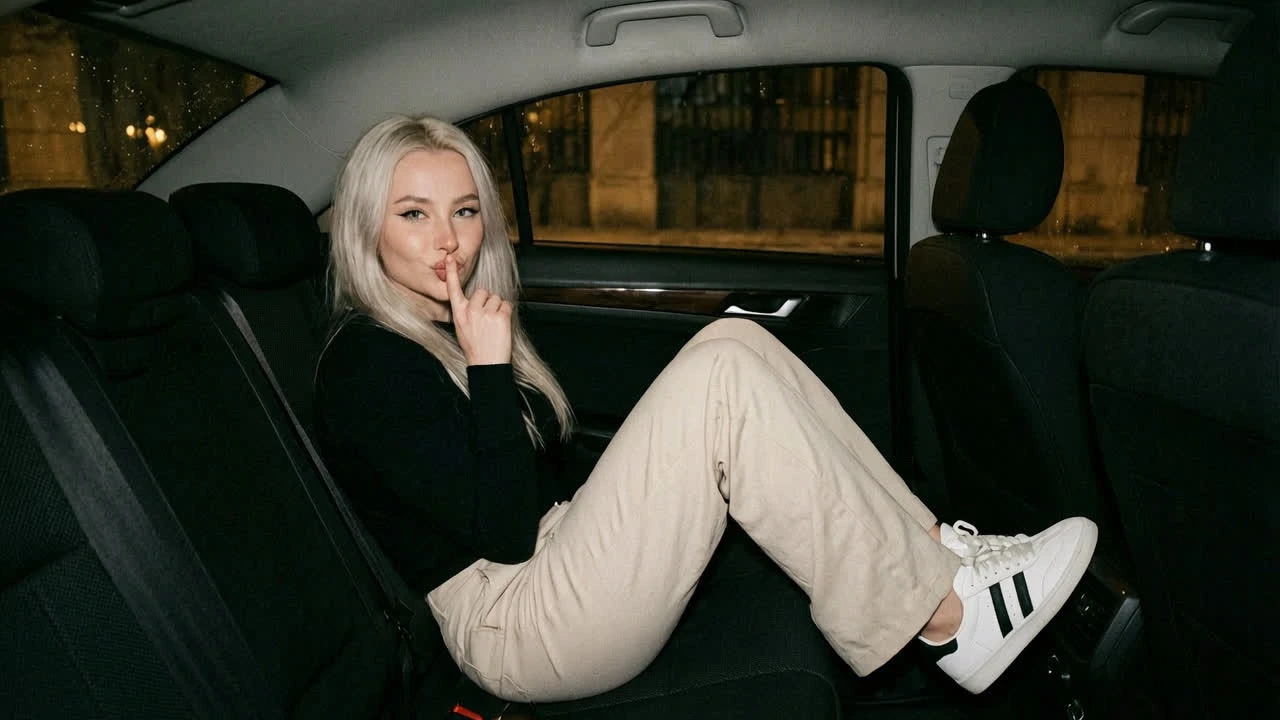
Restyle Photos with Image to Image AI
Upload a product shot, portrait, or sketch and apply image to image AI presets that shift lighting, season, or artistic medium while keeping subject structure intact. E-commerce studios use this AI image generator from image path to produce variant backgrounds for hundreds of SKUs without reshooting each item on set. Designers treat the output as a directed mockup: tighten prompts, adjust strength, and compare side-by-side until the AI generated images align with the campaign lookbook. It is faster than manual compositing when you need ten credible options for client review by end of day.
Build Social Thumbnails and Cover Art Fast
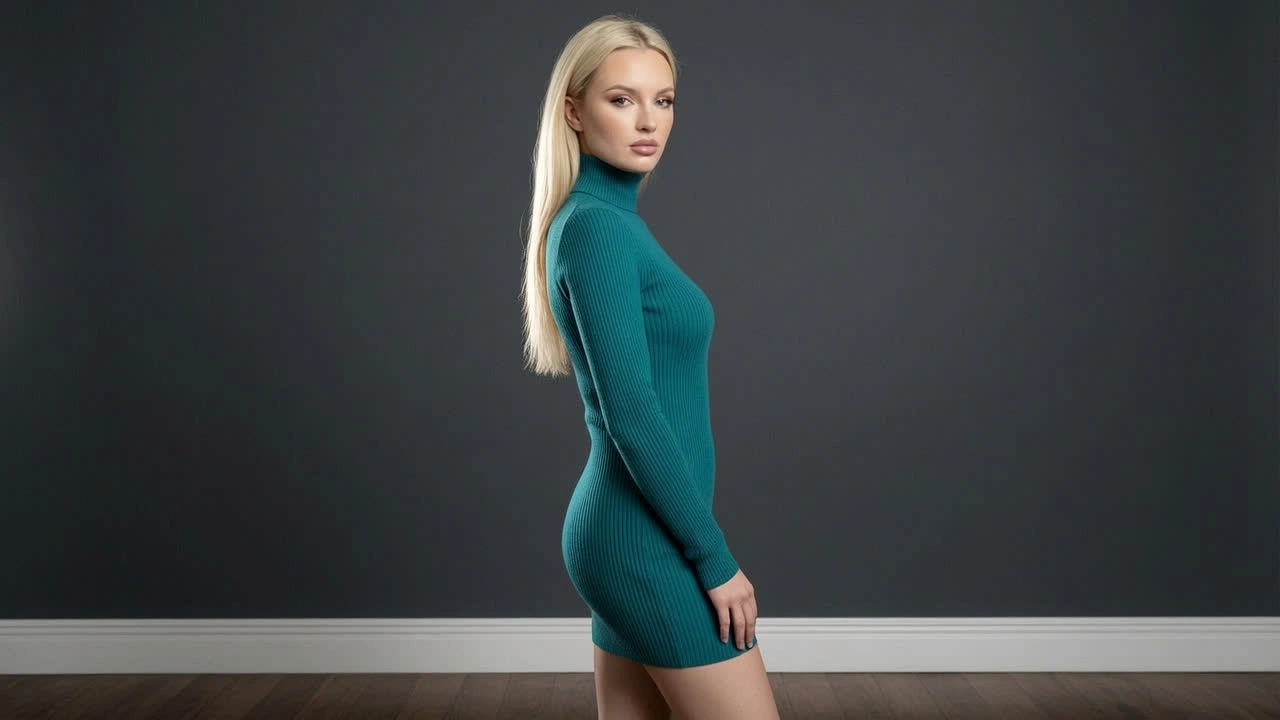
Creators who publish daily need visuals that stop the scroll without a full design sprint. Venzia's AI picture generator turns short prompts into thumbnails, banners, and episode art sized for YouTube, podcasts, and newsletters. The free AI picture generator tier is enough to validate a visual identity before committing to a paid plan for higher resolution batches. Because text to image AI free previews run in the browser, you can iterate on a phone between meetings and download when a concept clicks. Pair results with your existing photo assets when you want hybrid layouts that feel on-brand rather than fully synthetic.
Prototype Concepts Before Full Design Production
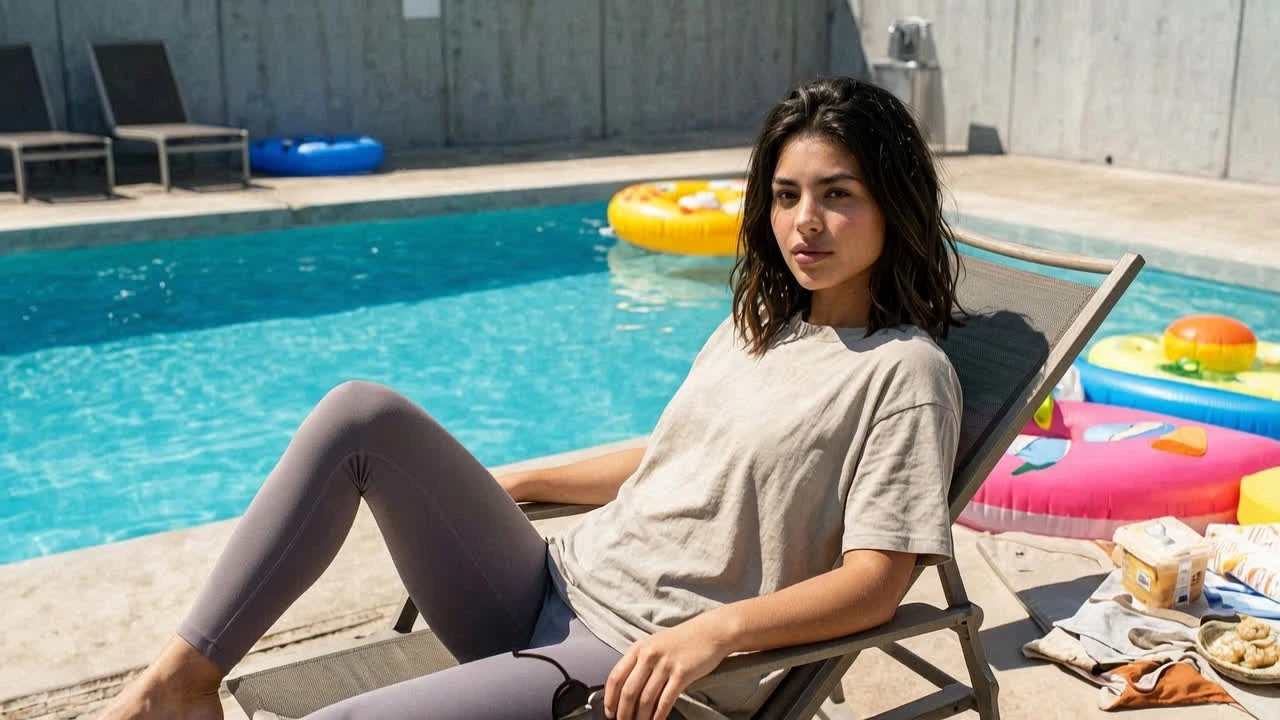
Agencies and product teams create AI images to visualize packaging, app screens, and environment shots while requirements are still moving. Writers brief stakeholders with AI image creation boards instead of vague mood references, shortening approval cycles before illustrators or 3D artists begin expensive work. Venzia supports create AI images workflows for internal pitches where speed matters more than pixel-perfect final delivery. When direction locks, export references or run image to image AI passes on approved photography to explore colorways without rebuilding comps from zero.
Who is Venzia's AI Image Generator for?
Marketing & E-Commerce Teams
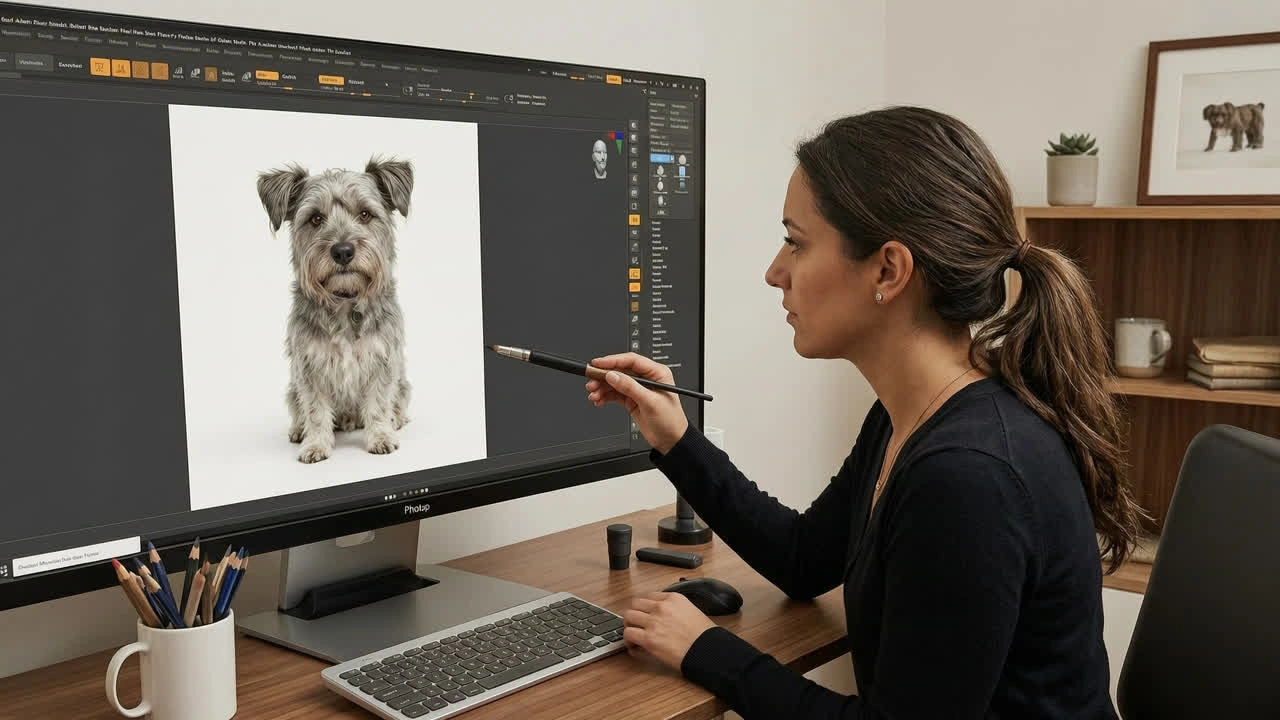
Performance and brand teams need fresh creatives weekly without ballooning shoot costs. Venzia helps them produce AI generated images for ads, landing pages, and catalog variants from prompts or existing product photography.
Designers & Illustrators
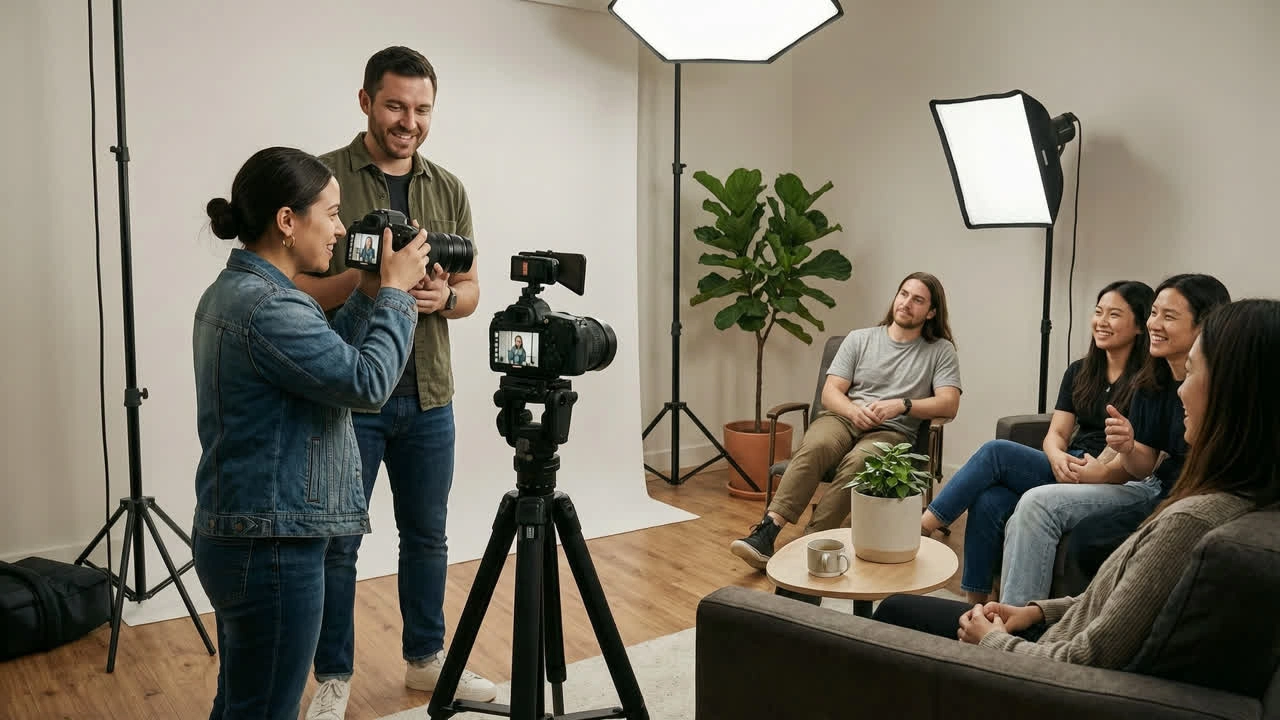
Visual professionals use the AI image editor and image to image AI modes to explore directions before committing to final art. It acts as a rapid concept layer, not a replacement for craft, when deadlines compress exploration time.
Creators & Small Business Owners
Solo operators rely on a free AI photo generator path to publish posts, menus, flyers, and shop banners without hiring a studio. One tool covers both AI image creation from text and photo-based refinements.
Why Choose Venzia's AI Image Generator?
Text and Image Inputs in One Workflow
Most tools force you to pick text or photo upfront. Venzia unifies AI image generator from text free exploration and AI image generator from image refinement in a single canvas, so ideas evolve naturally from prompt to reference-backed iteration without exporting between apps.
Browser-Based, No Install or GPU Required
Run the AI image generator online from Chrome, Safari, Edge, or mobile browsers on everyday laptops. Cloud processing means locked-down corporate machines can still produce AI generated images free previews during live working sessions.
Iterative Controls Built for Real Briefs
Adjust strength, aspect ratio, and style presets instead of gambling on one-shot outputs. Venzia behaves like an AI image maker with editor-minded controls, which is why teams comparing best AI image generator free options stay for repeatable production, not novelty demos.